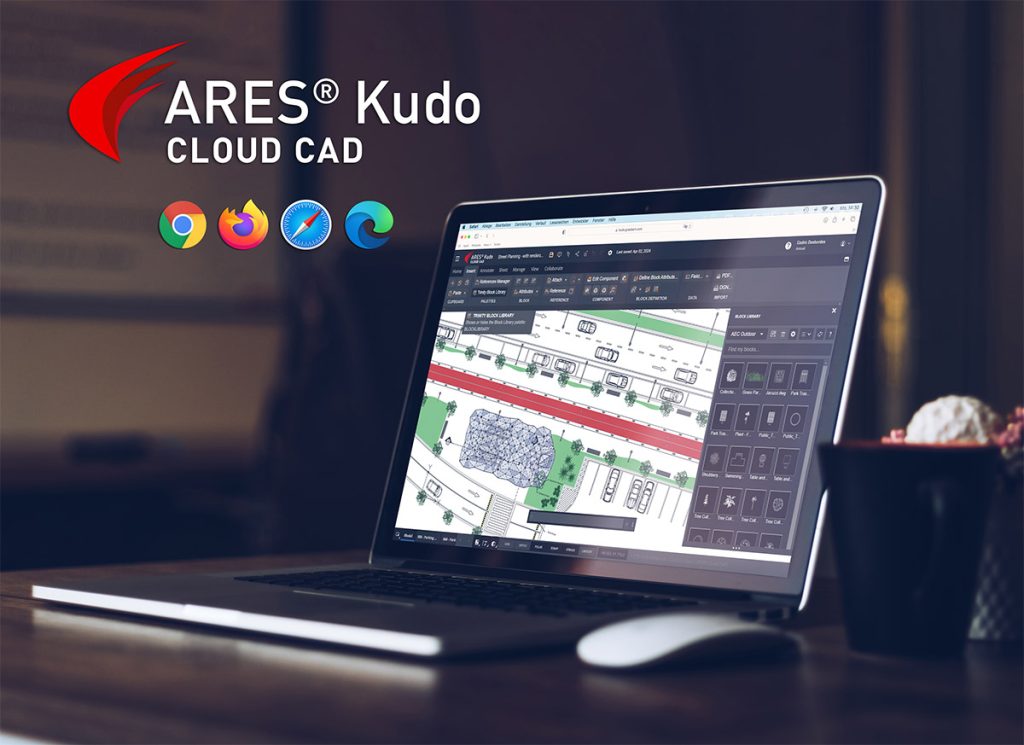
Graebert’s Automation technology, which was first launched in ARES Commander, has now been extended to ARES Kudo - seamlessly integrating online CAD and automatic task execution for the first time.
Graebert recently added Automation capabilities to its cloud-based CAD application, ARES Kudo - at no additional cost. First unveiled in Graebert’s desktop CAD application, ARES Commander, this powerful technology can take on many of your routine tasks, freeing up time in your workday.
The unique integration of online CAD and automation enables users to not only access and edit DWG files from any device with an Internet connection, but also to automate repetitive tasks and complex operations within the same platform. The seamless combination of these technologies yields greater efficiency in CAD workflows and accelerates project timelines - while making busy users’ lives a little easier.
But what, exactly, can it do for you? And how does it work? Here, we’ll take a look, exploring these key points:
- Automation capabilities, which save users time and effort, are now available in ARES Kudo as well as ARES Commander.
- This technology automatically carries out repetitive tasks related to CAD drawings (such as converting a batch of PDF files to editable DWG files) and also BIM-to-CAD processes (such as generating DWG drawings from BIM projects).
- Automation jobs can be scheduled to run, and even set to recur, at times that are convenient for the user.
- After using the Automation features to generate DWG drawings, users can easily share, markup, and annotate the resulting files, and even modify them with ARES Kudo’s 2D CAD tools.
- For organizations with Enterprise licenses of ARES Kudo, Graebert can tailor the Automation experience, providing more task-processing capacity or greater customization capabilities, for example.
See ARES Kudo’s Automation features in action.