AI can’t solve all of our problems - not yet, anyway - but it can offer a helping hand throughout the workday.
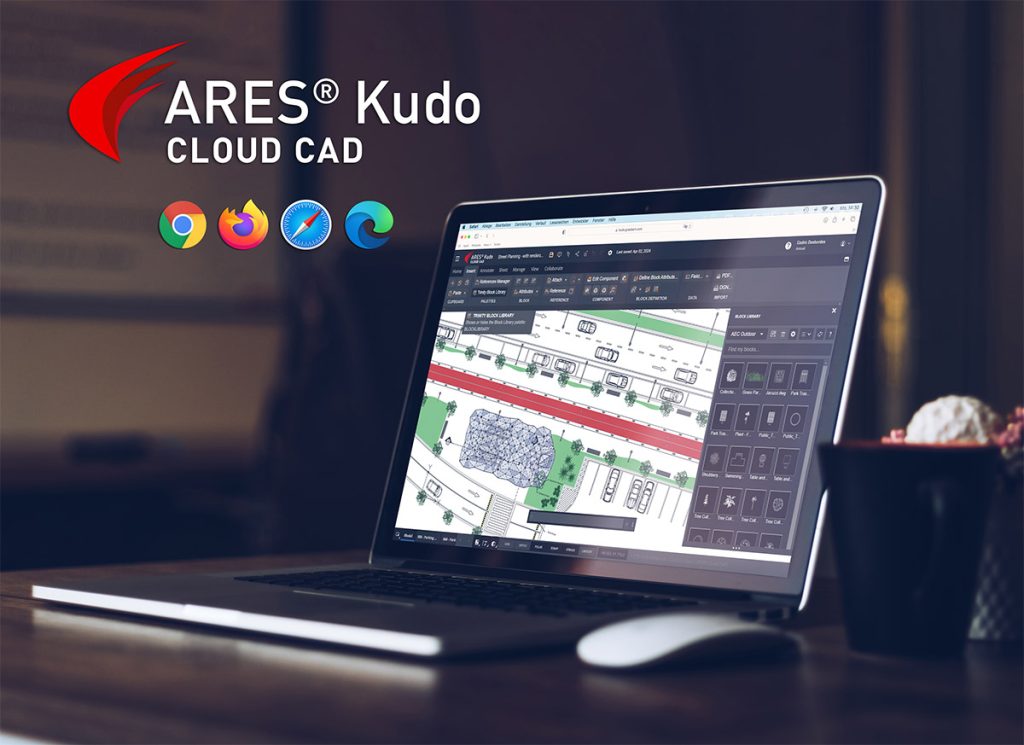
Graebert invites new and experienced users to explore the capabilities of its CAD-savvy AI assistant in ARES Commander 2025 - and now, in the cloud version ARES Kudo as well.
There’s nothing the tech world loves like a new buzzword. Currently, we’re overwhelmed with pronouncements about the life-changing potential of artificial intelligence (AI). Every day, companies unveil new AI-enhanced products and tools that promise to boost efficiency and turn drudgery into delight. And in some cases, this turns out to be true - but in others, the marketing claims are better developed than the products themselves. Therefore, a bit of skepticism is in order!
When you’re evaluating whether such a tool would improve your workflows, look for specifics about its capabilities, and consider how they would apply in your case. Here, we’ll peek over the shoulders of three different types of CAD users to see how the new AI assistant from Graebert helps them each day - and how it could help you, too.
Meet A3, the Convenient CAD Expert
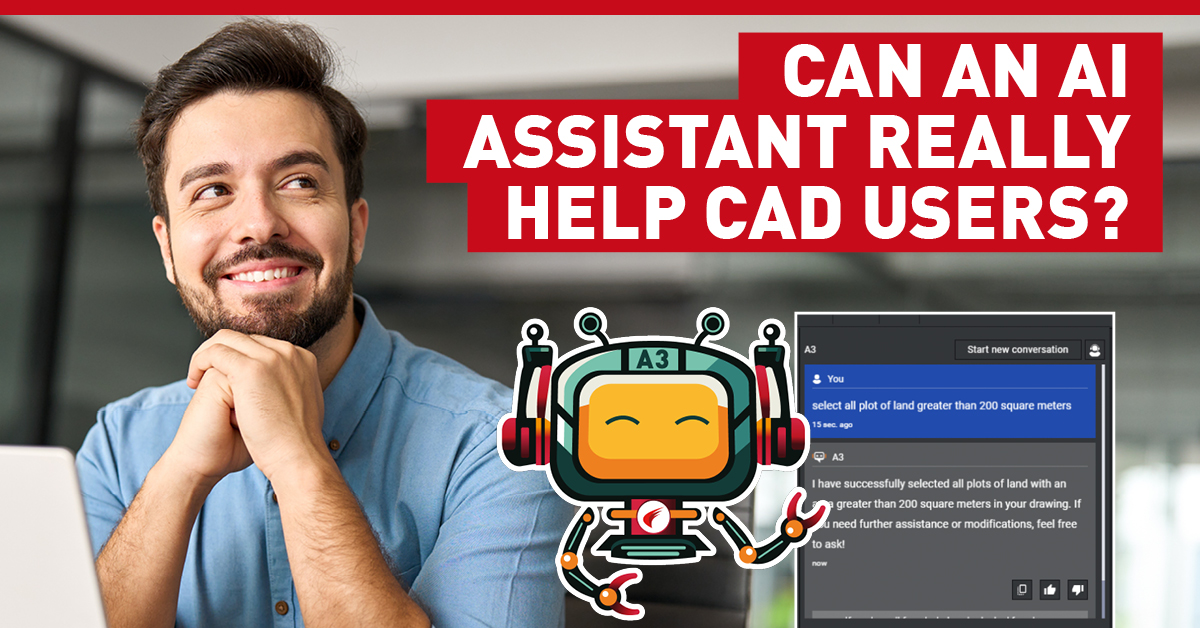
Earlier this year, Graebert launched ARES AI Assist, one of the many new features in its DWG-based desktop CAD solution, ARES Commander 2025. ARES AI Assist (A3) is a CAD-specific tool powered by OpenAI technology, and trained to help ARES users work more comfortably and efficiently. A3 can be a teacher, an industry expert, a handbook, a translator, a calculator — even a collaborator.
Although it is a powerful tool, A3 has no learning curve: The palette is loaded by default in ARES Commander, and users simply type their questions at the prompt, using normal phrasing as if they were talking with a colleague. A3 can converse in English, Spanish, French, German, Japanese, and many other languages.
A3 can help new users become familiar with the software, locate features, and learn how to apply them. But as we’ll see, they’re not the only ones who benefit from an on-call assistant! When more experienced CAD users are changing jobs, or migrating to ARES from a different program, A3 is a trusty sidekick that makes the transition easier. And even grizzled ARES veterans will find their workday goes faster when they can handle routine tasks like translations and calculations without leaving their current project.
Watch an introduction to A3 on Graebert’s YouTube channel.